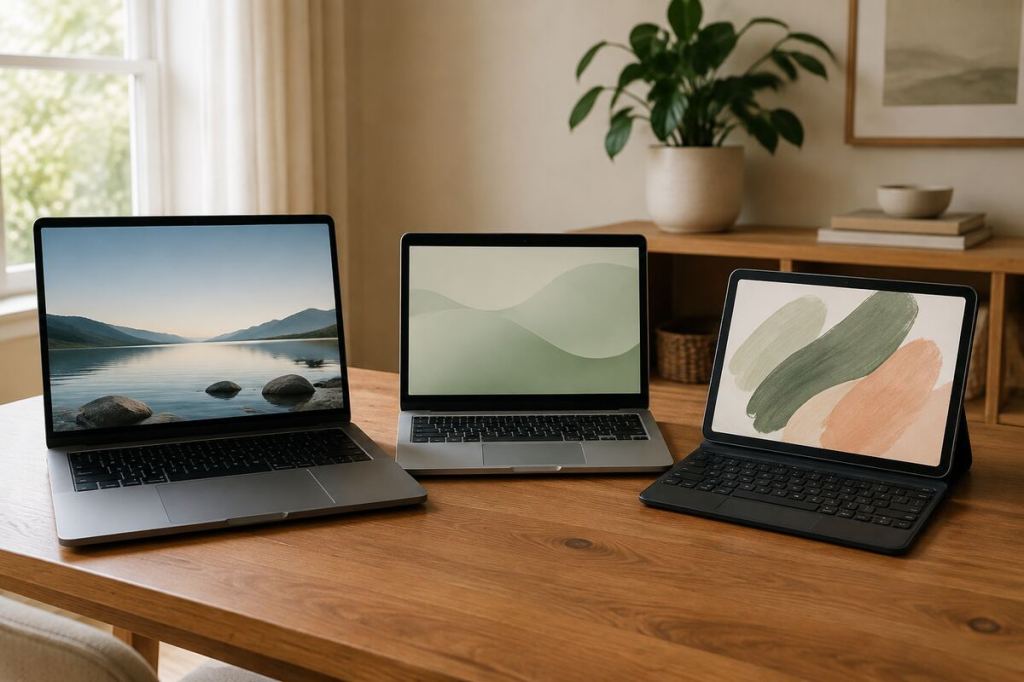
A laptop, Chromebook, and tablet can all handle email, browsing, streaming, and basic documents. That does not make them interchangeable.
The right choice depends less on which device looks newest and more on what you need to do when the easy tasks are over.
If you need traditional desktop software, serious file management, broad accessory support, or one computer that can adapt to many kinds of work, a Windows laptop is usually the safest choice. If most of your life happens in a browser and Google apps, a Chromebook can give you more computer for less money. If portability, reading, video, drawing, and touch are the priority, a tablet can be excellent, but it is not automatically a laptop replacement.
This guide was checked on August 27, 2026 using current information from Google, Apple, and Microsoft.
THE QUICK ANSWER
- Buy a Windows laptop if this will be your main computer for work, college, business, specialized software, or many different tasks.
- Buy a Chromebook if you mostly use Chrome, Google Docs, Gmail, web apps, streaming, and school portals.
- Buy a tablet if you value portability, touch, reading, entertainment, drawing, notes, and light productivity more than desktop flexibility.
- If you are unsure and can only own one device, choose the laptop.
Start with the job, not the device
The easiest way to waste money is to start with a product page. Start with your real tasks instead.
WINDOWS LAPTOP
Start here if: you need one device for work and home, or you are entering college and do not yet know every software requirement.
Why: the most flexible option for programs, files, accessories, and different kinds of work, with less risk of discovering later that required software will not run.
CHROMEBOOK
Start here if: you mainly use Google Classroom, Docs, browsing, and school portals, or you are buying for a child who works mostly in Google apps.
Why: simple, fast, and built around browser and Google workflows, often without paying for computer power that will go unused.
TABLET
Start here if: reading, streaming, notes, drawing, and travel matter most, or this will be a second device beside a computer.
Why: light, touch friendly, and easy to carry, especially strong for media, notes, travel, and quick tasks.
1. Windows Laptop: Best for Maximum Flexibility

A Windows laptop is the least exciting answer in this comparison, but for many buyers it is still the most practical one.
Windows gives you access to traditional desktop programs, broad printer and accessory support, local file management, multiple browser choices, and a huge range of hardware from inexpensive everyday machines to powerful professional systems.
Microsoft lists 4 GB of RAM and 64 GB of storage among the minimum Windows 11 requirements. Those are minimums for running the operating system, not our buying recommendation for a new everyday laptop in 2026. For a machine you plan to keep, we would generally look for more memory and storage than the minimum.
See Microsoft’s current Windows 11 requirements.
BEST FOR
Adults who need one main computer, college students with varied requirements, office work, business owners, heavy spreadsheets, traditional software, external drives, and people who do not want to think about whether a desktop program will work on their device.
SKIP THE EXTRA COST IF
You only browse the web, use Google Docs, stream video, and answer email. A simpler Chromebook may do all of that for less.
2. Chromebook: Best Value for Online Work

A Chromebook makes the most sense when you stop expecting it to be a cheaper Windows laptop and judge it for what it is.
If your normal day is Chrome, Gmail, Google Docs, Google Drive, school portals, video calls, streaming, and other services that work well in a browser, ChromeOS can feel refreshingly simple.
Google says ChromeOS devices receive 10 years of automatic updates from the platform release date. The exact support date still matters when you buy, especially with an older clearance model, so check the device’s update schedule before assuming you are getting ten fresh years from the day you purchase it.
Check Google’s Chromebook update guidance.
Why Chromebook Plus deserves a look
Google’s current Chromebook Plus eligibility baseline includes at least 8 GB of RAM, 128 GB of storage, a 1080p webcam with temporal noise reduction, and a Full HD IPS display, along with qualifying processors. That gives shoppers an easier floor for avoiding the weakest Chromebook hardware.
See Google’s current Chromebook Plus eligibility details.
BEST FOR
Students whose school uses Google tools, families who need a straightforward home computer, browsing, writing, email, video calls, streaming, and people who do most of their work in web apps.
SKIP IT IF
Your school, employer, or hobby requires a specific Windows or Mac desktop program. Check those requirements before buying, not after the return window starts closing.
3. Tablet: Best for Portability and Touch

Tablets are easy to love. They are light, quiet, fast to wake, excellent for video, reading, travel, handwritten notes, drawing, and casual work.
The problem starts when shoppers see a keyboard case and assume the experience is now identical to owning a laptop.
Apple’s current base iPad with the A16 chip starts at $449. Apple’s Magic Keyboard Folio for that iPad is currently $249. That means turning the base iPad into a keyboard focused setup brings the hardware total to $698 before tax, and that is before adding any other accessories.
See Apple’s current iPad pricing. See the current Magic Keyboard Folio price.
That does not make the iPad a bad value. It means the comparison changes once accessories are included. At nearly seven hundred dollars, you should compare the complete setup with a real laptop, not compare a bare tablet with a laptop that already includes its keyboard and trackpad.
BEST FOR
Travel, media, reading, notes, drawing, presentations, light documents, video calls, and people who already have another computer for tasks that need a full desktop environment.
THINK TWICE IF
This will be your only computer and you regularly work with many files, complex spreadsheets, specialized desktop programs, many browser windows, or accessories that expect a traditional computer.
The hidden costs people forget to compare
The sticker price is only useful when the devices you are comparing can actually do the same job.
- Keyboard and trackpad: included on laptops and Chromebooks, often extra on tablets.
- Storage: check whether your files can live comfortably on the device or whether you will depend heavily on cloud storage.
- Ports: think about monitors, flash drives, printers, cameras, and other accessories you already own.
- Software: the cheapest device becomes expensive if it cannot run the program you bought it for.
- Support life: especially important when buying an older Chromebook on clearance.
- Repair and replacement: a bargain only helps if the device is good enough to keep.
What we would buy by type of user
For a student who mainly uses Google Classroom and browser tools
Start with a Chromebook Plus. The hardware floor is stronger than many basic Chromebooks, and the simplicity can be a benefit when the student does not need traditional desktop software.
For a college student who does not know future software requirements yet
Start with a Windows laptop. It leaves more options open if a class later requires software that goes beyond the browser.
For an adult buying one computer for work, bills, documents, and home
Windows laptop. You may never use every capability, but the flexibility is useful when the machine has to serve several roles for years.
For someone who already owns a computer and wants something easy to carry
Tablet. This is where a tablet feels strongest because it can be excellent at its own job instead of being forced to imitate a laptop.
For a parent buying a device for a child
Check the school first. A Chromebook may be the smartest buy if the school already works inside Google’s ecosystem. But buying any device before checking school requirements can turn a good deal into the wrong purchase.
Do not buy more computer than your life requires
There is no universal winner because these devices solve different problems.
A Chromebook can be the smartest purchase in the room when the buyer lives in a browser. A tablet can be worth every dollar when portability and touch matter most. A Windows laptop can look less exciting on the shelf and still be the best long term value because it handles more kinds of work.
THE USEFUL SIDE RULE
If you cannot explain what the more expensive device will let you do that the cheaper one cannot, keep your money.
Buy for the work you actually do, not the version of yourself the product page is trying to sell you.
Before You Buy, Check the Rest of the Setup
The device price is only part of the cost. Compare accessories, travel power, and timing before you spend.
- Labor Day 2026 Deals Worth Checking
- What to Buy in September 2026 and What to Wait On
- Best Portable Chargers for Travel, Work and Everyday Use
Shopping path: this guide is ready for verified tracked links to laptops, Chromebooks, tablets, keyboards, sleeves and chargers when those links are available. The Useful Side will disclose affiliate relationships clearly.
Product prices and specifications were checked August 27, 2026 and can change. Always verify the current configuration, support date, software requirements, and total cost before buying.

